The recent updates to Premiere and After Effects give editors and motion designers faster, more intuitive ways to work while maintaining creative flow and intent.
These updates open entirely new ways to tell stronger stories with your effects: relight a subject, blur a background, or design custom effects in seconds. And because masks are now faster, more flexible, and more accurate, they become the building blocks of your creativity instead of roadblocks to your flow — especially when used alongside the over 90 effects, transitions, and animations Adobe recently added to Premiere. And there’s much more — take a look at everything new in Premiere and After Effects.
Create perfect masks of complex moving objects — just hover and click
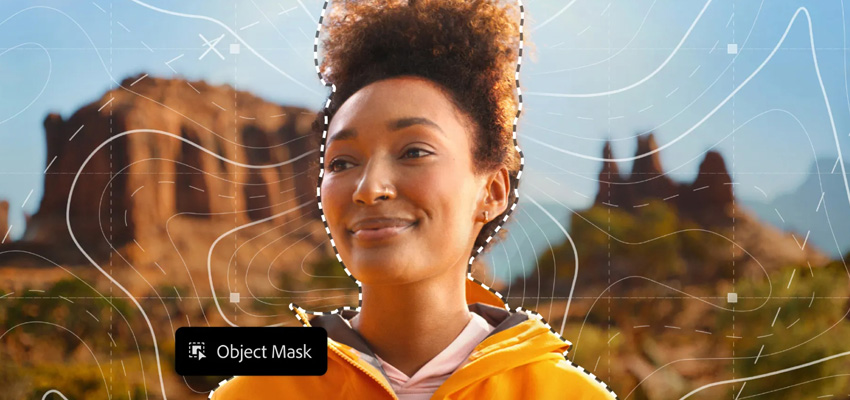
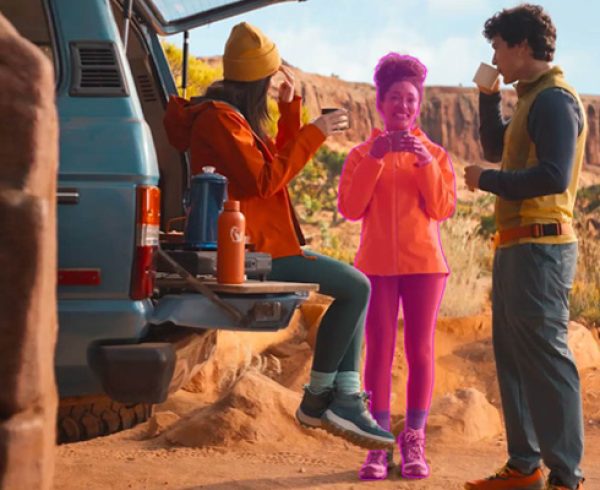
With the new AI-powered Object Mask, creating perfect masks of complex moving subjects has never been easier. Simply hover and click to generate precise masks in seconds. And with coloured visual overlays, powerful mask refinement tools, and fast tracking, it’s more efficient and enjoyable than ever to create your own unique effects.
Stylise your videos with redesigned Shape Masks that track faster
The Shape Masks you’ve been using for years just got a serious glow-up in Premiere. The redesigned Ellipse, Rectangle, and Pen masks offer more creative control, allowing you to work with effects such as blurring faces, relighting sections of your frame, and more. And with tracking that’s up to 20x faster than previous versions of Premiere, you’ll spend less time watching the status bar.
With the new “Frame” track editing mode, you don’t need to manually adjust every single tracked keyframe. Just make your changes, and Premiere will effortlessly combine the corrections with the tracked keyframes, reducing dozens of manual adjustments to just two or three.
Bring media from Firefly Boards into Premiere seamlessly
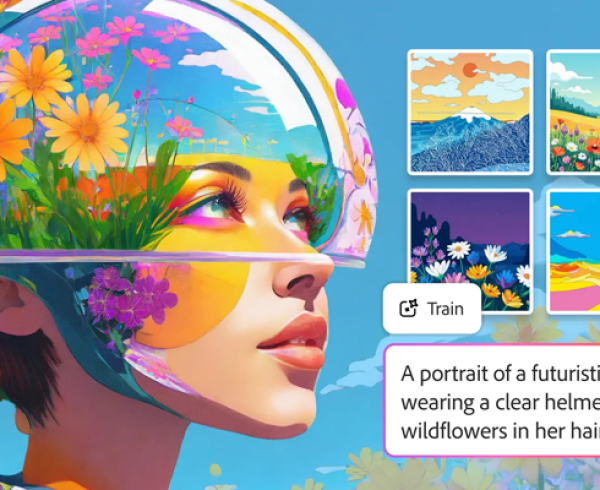
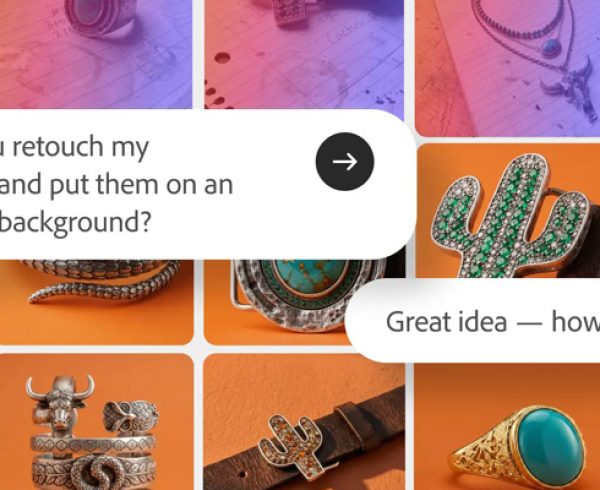
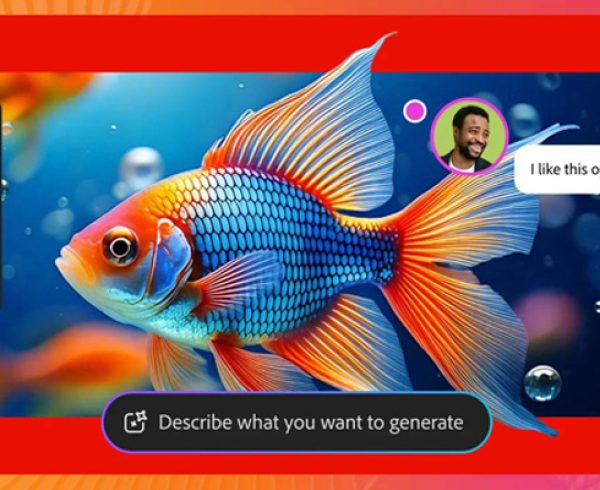
Firefly Boards is an AI-first space where you can explore, iterate, and collaborate in real time. In pre-production, Board’s ideation tools make it easier to find and communicate the right visual style and composition. You can generate assets for pitches, treatments and storyboards without leaving the board. In post-production, you can lay out scenes and ideas to get a better understanding of what you’ve shot. And if it turns out a specific shot is missing, or to try out effects, you can generate media right within your project’s context.
With this update, Adobe is making it easier to get media from Firefly Boards to Premiere. With a click, one or multiple assets get sent directly into your current Premiere project. In Premiere, you can use all the professional editing tools your used to, blending your generated asset seamlessly into your project.
The new Frame.io V4 panel, now right inside Premiere (beta).
The new Frame.io V4 panel keeps you in the edit while bringing in comments, media, and versioning. Ingest assets, share cuts, and sync notes without ever leaving Premiere.
Need to export a sequence? Versions automatically stack in Frame.io. Feedback shows up right on your timeline. Notes stay live as you keep editing. It’s a smoother loop between you and your team. And yes, Frame.io comes included with Creative Cloud at no additional cost.
License Adobe Stock without the detour
Need some footage to fill a gap? Adobe Stock is now fully integrated inside Premiere like never before. Browse over 52 million clips (including 92,000 k free ones), and preview, license, and import them without breaking focus.
Enhanced vector workflows in After Effects
Vector workflows in After Effects are smoother than ever. You can now import SVG files, a common file type used by graphic designers in Adobe Illustrator, as native shape layers and start animating with full vector fidelity. When you convert Illustrator layers to shape layers, gradients and transparency are preserved and remain editable, so you can keyframe colour transitions and animate gradient motion.
Create Native 3D Parametric Meshes
Design in 3D with parametric meshes that you can create from scratch right inside of After Effects. Combine shapes like building blocks to craft stylised graphics or photorealistic set pieces. Additionally, new Spot and Parallel shadows enhance the realism and dynamics of scenes.
Style your scenes with over 1,300 free Substance 3D materials
You can now access and apply Substance 3D materials to both native meshes and imported models to add depth and realism to your models in just a few clicks. These materials are dynamic and customisable, allowing you to tweak them to fit your vision.
Upgraded Motion Typography with Variable Fonts
Motion typography in After Effects just got a major upgrade. Using the Text Animator, you can now animate every axis a variable font exposes with keyframes and expressions. Adjust the weight, width, slant, wiggle, and any designer-defined font axes in the Properties Panel, and drive them through the Essential Graphics panel and Motion Graphics templates for flexible titles and templates.
Quality of life improvements that keep you in flow
The new Adobe Premiere and After Effects 26.0 are now available. Contact the Dax Data team for more details.