•   sales@daxdata.co.za
  • +27 (0)21 683 3861
  • Marketplace Login
  • “Adobe
Dax DataDax DataDax DataDax Data
  • Home
  • Solutions
    • Creative Cloud
    • Adobe Express
    • Adobe Firefly
    • e-Learning
      • Adobe Captivate
      • Adobe Learning Manager
      • Adobe Connect
    • Document Cloud
      • Adobe Acrobat DC
      • Adobe Acrobat Sign
      • Adobe Acrobat AI Assistant
      • Adobe Acrobat Studio
    • Adobe Substance
  • Partners
  • News
    • Blog
    • Press Office
    • Newsletter
  • Support
  • About Us
  • Contact

Web search is now available in Adobe Acrobat

    Home Adobe Document Cloud Web search is now available in Adobe Acrobat

    Web search is now available in Adobe Acrobat

    By editor | Adobe Document Cloud | Comments are Closed | 1 November, 2026 | 0

    A lot of work starts in documents like contracts, proposals, reports, and plans. Hundreds of millions of people trust Adobe Acrobat every year to help them read, understand and act on the information in their documents faster, smarter and more securely.

    AI Assistant in Acrobat is where many begin. It helps you find insights you can rely on across your documents. Ask questions and answers come with citations that let you view the exact spot in the source where it came from so you can verify the information, see the full context and dive deeper when it makes sense.

    At the same time, the world outside your documents keeps changing. Exchange rates move, market conditions shift, and new information emerges every day in industry reports, current regulations, or other sources across the web.

    That’s why Adobe is expanding where AI Assistant can look for answers, giving you the choice to add web search when you want to.

    Your documents first

    When you’re working with a contract, a proposal, or a loan offer, the document is your source of truth. AI Assistant always starts there, and now when a question would benefit from outside context, you can opt to let it look at the web as well and bring that information into the same conversation. Every web-sourced answer includes a clickable citation, so you can check the source to verify information and read further.

    Here’s what that looks like:

    • A retail clothing store owner is reviewing a supplier contract and asks, “What are the payment terms?” The answer comes straight from the contract, with a citation to the relevant clause in the contract. Then she notices the supplier will invoice her in euros and wants to know what that is in U.S. dollars. With web search enabled in AI Assistant she can ask for the current exchange rate right in Acrobat and get a link to its source.
    • A consultant has a proposal that’s nearly ready. Before it goes out, he asks whether the market statistics, competitor details, and pricing assumptions still hold. AI Assistant uses the proposal as the starting point, compares it with current information from the web, and flags what may be worth refreshing. He decides which updates to make, having checked the links for each source.
    • A small business owner uploads a loan offer and asks how the terms compare with current market rates. AI Assistant quotes the interest rate and repayment terms from the offer, then shows current market rates from the web. Each figure carries its own citation, so he knows which numbers came from his paperwork, and which came from outside it.
    • A real estate agent keeps a listing, an inspection report, HOA documents, and a market analysis in one PDF Space. She asks, “Is this property fairly priced, and what questions should I discuss with my client?” The answer draws on every file, pointing to the roof damage in the inspection report and the restrictions in the HOA documents. It then adds current comparable sales and local trends from the web.

    The same approach fits many other kinds of work as well. Before a meeting, you can pair your own notes with recent news about your company or competitors. When you’re refreshing a research report, you can see how the industry has changed since it was written.

    You’re always in control

    Acrobat Web Search - Image 1

    Web search is easy to find, control and use:

    • You’ll know when web search is on. When AI Assistant searches for an answer on the web for the first time, Acrobat lets you know and shows you a toggle where you can control it.
    • Turn it on or off anytime. Easily control web search with the toggle anytime you want. You can use it for every task or only some.
    • Stick to your documents. Even with web search enabled, you can ask AI Assistant to look for answers only in your documents.

    Adobe is bringing Acrobat’s trusted approach to keeping your data safe to web search. Your documents always stay within Acrobat and aren’t sent to the search provider. Adobe doesn’t train its AI models on your content.

    The AI tools that Adobe uses for important work should make it easy to check what they tell us. With AI Assistant and web search in Acrobat, a document citation takes you to the supporting text, and a web citation takes you to the source page. You always know where each answer came from.

    Try it on your next document. If you would like to learn more about Adobe Acrobat’s latest offerings, please contact the Dax Data team.
    Adobe AI Assistant

    Related Post

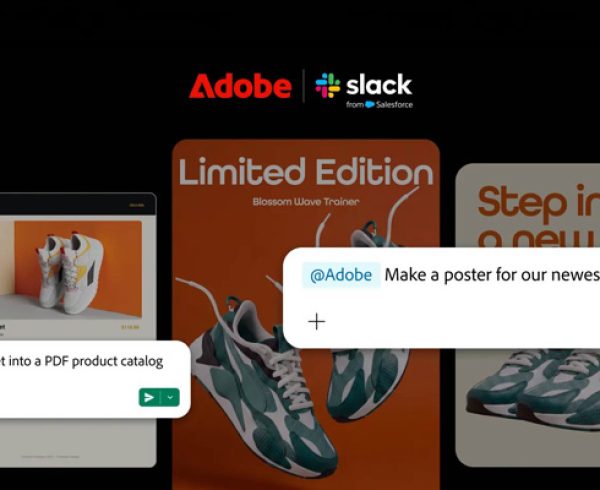
    • Introducing Adobe for Slack: Turn your ideas and conversations into high-quality content

      By editor | Comments are Closed

      Millions of people use Slack every day to collaborate, share ideas and keep work moving. Chances are that much of the context behind your next deliverable already lives there: your project brief is in aRead more

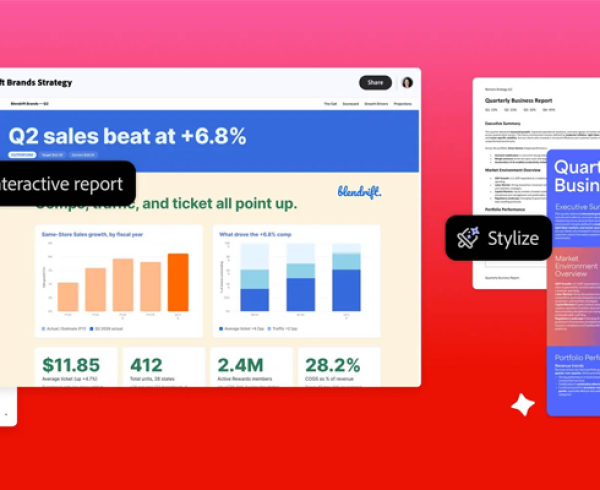
    • Get More Done, Faster with the New Acrobat AI

      By editor | Comments are Closed

      We’ve all been there: a 40-page report lands in your inbox an hour before a meeting where you’re expected to have opinions about it. Smart ones! You skim, highlight and hope you caught the partsRead more

    • Adobe Acrobat brings powerful PDF capabilities to WhatsApp

      By editor | Comments are Closed

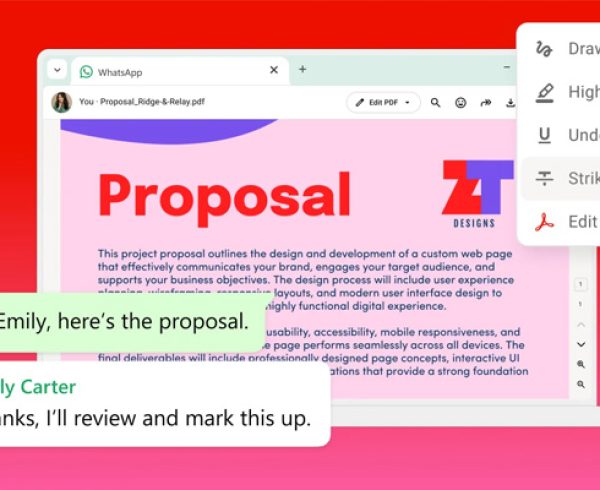
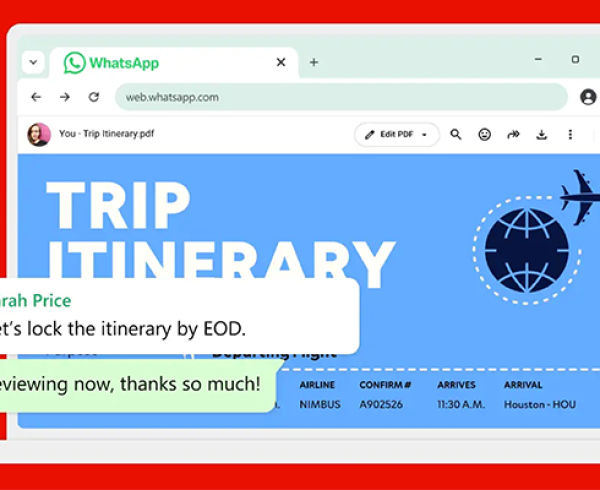
      Adobe and WhatsApp are bringing Acrobat-powered PDF experiences directly into WhatsApp Web and Windows, so you can open, review and act on your documents right in your chat without needing to download files or switchRead more

    • Dax Data Expands Global Reach as Official Worldwide Adobe Distributor in EMEA Region

      By editor | Comments are Closed

      Dax Data is proud to announce its appointment as a Worldwide Adobe Distributor, significantly expanding its ability to deliver Adobe’s industry-leading products to partners and customers in various regions. This establishes Dax Data as theRead more

    • Your Favourite Messaging App Just Got Smarter – Thanks to Adobe Acrobat

      By editor | Comments are Closed

      Adobe and WhatsApp are bringing Acrobat-powered PDF experiences directly into WhatsApp Web, so you can open, understand, and act on your documents right in your chat without needing to download files or switch tools. ManyRead more

    Recent Posts

    • 10 November, 2026
      Comments Off on Black Friday: Save up to 55% on Creative Cloud Pro for Teams.

      Black Friday: Save up to 55% on Creative Cloud Pro for Teams.

    • 1 November, 2026
      Comments Off on Web search is now available in Adobe Acrobat

      Web search is now available in Adobe Acrobat

    • 1 October, 2026
      Comments Off on Bring Ideas to Life Faster with AI-Powered Creation Tools in Adobe Premiere and After Effects

      Bring Ideas to Life Faster with AI-Powered Creation Tools in Adobe Premiere and After Effects

    • 1 October, 2026
      Comments Off on October 2026 – Newsletter

      October 2026 – Newsletter

    Tags

    Acrobat DC Adobe Adobe Acrobat DC Adobe Acrobat Sign Adobe After Effects Adobe Captivate Adobe Captivate Prime Adobe Connect Adobe Creative Cloud Adobe Express Adobe Firefly Adobe Illustrator Adobe InDesign Adobe Photoshop Adobe Photoshop Lightroom Adobe Premiere Pro Adobe Sign Adobe Stock Adobe Substance 3D Android Apps Collaboration Creative Cloud CTIAF Devices digital transformation e-signatures eLearning iOS iPad Microsoft Mobile Newsletter Office365 Online Photography Photoshop Productivity Promotion South Africa updates Virtual Platform Web conferencing Webinar Webinars

    Categories

    • Adobe
    • Adobe Acrobat Studio
    • Adobe Animate
    • Adobe Connect
    • Adobe Connect
    • Adobe Creative Cloud
    • Adobe Document Cloud
    • Adobe Photoshop
    • Adobe Photoshop Sketch
    • AppRiver
    • Collaboration
    • Compliance
    • Creative Cloud
    • Digital Imaging
    • Digital Publishing Suite
    • eLearning
    • Micro Focus
    • Microsoft
    • Newsletter
    • Office Productivity
    • Other
    • Photography
    • Security & Management
    • Tutorial
    • Uncategorized
    • Dax Data Logo
    •   Unit 1 Melomed Office Park
      Punters Way
      Kenilworth
      Cape Town
      7708
    •   +27 (0)21 683 3861
    •   0860 101 604
    •   sales@daxdata.co.za

    Useful Links

    • Creative Cloud
    • e-Learning
    • Document Cloud
    • Newsletter
    • Marketplace Login

    Recent Posts

    • Black Friday: Save up to 55% on Creative Cloud Pro for Teams.

      We’ve got a Black Friday deal your team will love, so we wanted to make

      10 November, 2026
    • Web search is now available in Adobe Acrobat

      A lot of work starts in documents like contracts, proposals, reports, and

      1 November, 2026
    Copyright © 2025 Dax Data. All Rights Reserved.  |  Privacy Policy
    • Home
    • Solutions
      • Creative Cloud
      • Adobe Express
      • Adobe Firefly
      • e-Learning
        • Adobe Captivate
        • Adobe Learning Manager
        • Adobe Connect
      • Document Cloud
        • Adobe Acrobat DC
        • Adobe Acrobat Sign
        • Adobe Acrobat AI Assistant
        • Adobe Acrobat Studio
      • Adobe Substance
    • Partners
    • News
      • Blog
      • Press Office
      • Newsletter
    • Support
    • About Us
    • Contact
    Dax Data